Keep Your Own Data: A Personal Data Sovereignty Stack for 2026
The asymmetry no one's fixing: every AI company has your data and you don't. Here's the personal data sovereignty stack I'm building on an Intel Arc Pro B70 and Qwen3.6-35B-A3B.

Do you realize how much of your data is sitting on someone else’s servers right now? Every search, every prompt, every keystroke. Collected. Analyzed. Fed into the AI models you talk to every day, used to train recommendation engines, sold to advertisers. All of it derived from data you generated and don’t own a copy of.
Personally, I don’t like the idea that I’m feeding someone else’s machine. And if data collection is so important, why aren’t we collecting our own data? No, it’s not the same as collecting and analyzing mass data sets from others at scale. But it is valuable, and I think it can be put to good use. As a matter of fact, I have some specific use cases in mind.
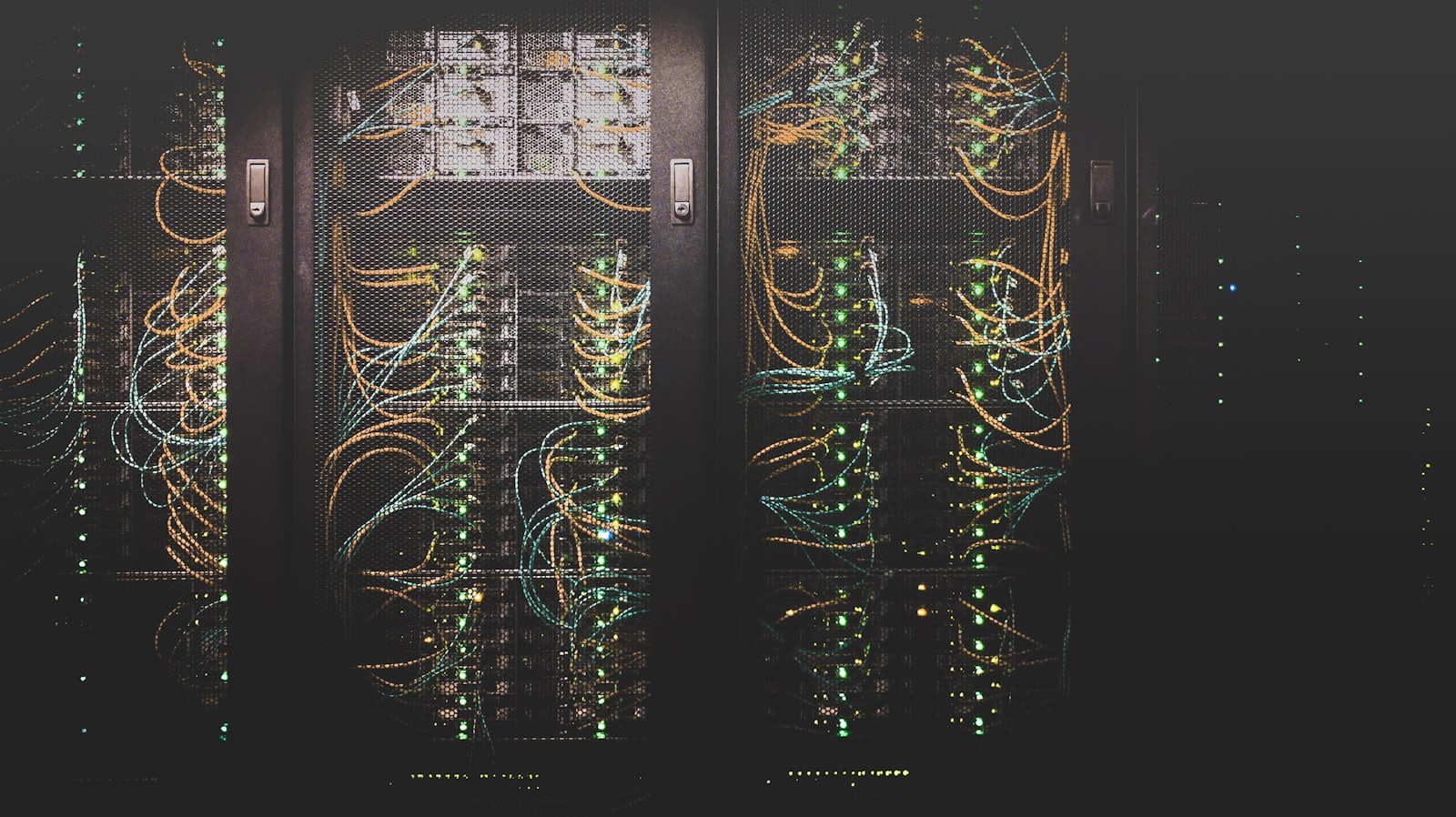
That’s not the only reason I put together this rig — an Intel Arc Pro B70 Battlemage running Qwen3.6-35B-A3B for local inference, backed by an older Proxmox server with 132GB of RAM and 7TB of RAID for storage, all stitched together with Tailscale — but the value has been really standing out to me the more I’ve been putting this setup together. Why am I not collecting this data? Then instead of Google prompting me to “follow up with that email,” my own AI can do that. As a matter of fact, it can do almost anything that these AI services do for you, on your own data.
I remember hearing from a CTO friend about ten years ago that they were buying their own AI assistants for $20k per assistant, and that was the key to their company’s competitive advantage. Now, with free models that can live on 32GB of RAM or less, we have that ability available to us for the cost of a $1,000 Intel GPU.
Why personal data sovereignty matters now
Every company you interact with is already collecting this data. Google logs every search. YouTube logs every video you start, how long you watch, what you skip. OpenAI and Anthropic keep your prompts. Your email provider reads your email. Your phone’s keyboard sends typing telemetry. None of this is hidden. It’s right there in the terms you agreed to.
The world is built on data collection. So data is the most valuable thing you produce. And here’s the part nobody’s saying out loud: everything you’re typing, every search, every prompt — that’s your data before it’s anybody else’s. You’re the one generating it. You should own it. You should collect it. You should keep it secure.
But that’s not what’s happening. The asymmetry is that they have it and you don’t. They train on it. They build products from it. They sell access to derivatives of it. You typed it. They own the only copy.
The fix isn’t to stop typing. The fix is to keep your own copy first, before anyone else gets one. Then you decide what gets done with it.
And once you have your own copy, you can do whatever you want with it. Work logs that actually reflect what you did. Content drafts in your real voice because the system has read everything you’ve ever written. Fine-tunes on how you actually think, not on how some median user thinks. Agents that have real context — the same kind of context Google has when it autocompletes your query, except the context is yours and the agent works for you.
This isn’t a privacy argument. It’s a sovereignty argument. The data is going to exist either way. Personal data sovereignty is just whether you’re a participant in what gets built from it or just the raw material.
Why opting out isn’t enough
The default response to AI data anxiety in 2026 is to opt out. Toggle off ChatGPT’s training switch. Adjust your Meta privacy settings. Submit your Anthropic opt-out form. Every privacy publication has shipped the same listicle. For most people, that’s a fine first step — it’s better than nothing.
But opt-outs are weaker than they look. They don’t retroactively pull back the data you already gave away. A lot of U.S. users have no real opt-out under platforms like Meta or TikTok. Policies change, and your opt-out applies only as long as the current policy does.
Meta acquiring Limitless in December 2025 is the clean example here. Limitless was the personal-context AI startup formerly known as Rewind, and people picked it specifically because it promised local storage. Then Meta bought it, all the screen and audio capture got shut down, and “trust the company to keep it local” turned out to be a load-bearing assumption that can fail in a press release.
Personal data sovereignty is the next step past opt-outs. Stop generating the data inside someone else’s infrastructure in the first place. Run capture and inference on hardware you control. Opt-outs become a backup, not your whole defense.
What I’m running
The pipeline itself works like this. Capture agents on my Mac and PC stream activity data to an ingestion service on the server. The baseline is window and app focus plus duration — what was active, for how long, with what window title. On top of that, keystroke capture in whitelisted apps only: my editor, my terminal, places where having the reconstructed history is worth the risk. Audio capture is optional and bounded. Everything lands in a tiered store, gets tagged by Qwen3.6 running on the B70, and feeds the consumers downstream — a daily work log, a marketing draft pipeline that produces social content based on what I’ve been working on, eventually retrieval-augmented agents that can answer questions about my own history.
The B70 is what makes this work as my data, my AI. Running a local LLM on your own hardware means the categorization, the summarization, the drafting — none of it leaves your machines. The whole point of personal data sovereignty is gone if you turn around and send everything to someone else’s API for processing. The stack stays on-premises or it doesn’t count.
Capturing your own activity data
This is the part I’m least settled on, so I’m going to be honest about it.
What the capture tool has to do is straightforward to describe and not at all straightforward to pick. On each machine, something has to track which app has focus and for how long, capture window titles, optionally capture keystrokes from a whitelist of allowed apps, optionally capture audio, and stream all of it to the server over Tailscale without lagging the machine I’m trying to work on.
The obvious open-source candidate is ActivityWatch — cross-platform, captures window/app/duration locally by default, has a watcher architecture you can extend. Screenpipe is the louder option in the same space, especially after Rewind users started looking for alternatives in late 2025. OpenRecall is another. None of these were built for “feed your local LLM” specifically. They were built for personal analytics, productivity tracking, or as Rewind-replacement memory tools. The adapter layer between any of them and the rest of the pipeline is something I’d have to build either way.
I’m not committed yet. The capture layer is the foundation everything else sits on, and “I’ll just install the most-starred GitHub repo” is not a great reason to pick the foundation. The other option is to build something custom — a small daemon on each platform doing exactly what I want, full control over the data format and the security model, but a lot more code to maintain across macOS and Windows. I don’t know which way I’m going.
Phones are not in scope right now. iOS pretty much blocks the kind of capture I’d want. Android is possible but adds a class of complexity I’d rather defer. The Mac and the PC produce the overwhelming majority of the data I care about anyway.
So this section is more “here’s what the tool has to do” than “here’s what I’m running.” I’ll write the after-decision version when I’ve actually decided.
The problem with the obvious version
Here’s where it gets hard. If you build a personal data pipeline naively, you’ve just created the same kind of central data store the big companies have, except now it’s on your hardware and it’s your responsibility.
Think about what’s actually in the store. Years of keystrokes from your editor and terminal. Window titles that name every project, every URL you opened, every document you wrote. Audio from work sessions if you went that far. Embeddings of all of it for retrieval. If that leaks — through a compromised browser extension, an agent with too much filesystem access, a backup that ends up somewhere it shouldn’t — every password you typed manually, every 2FA seed, every private message, every API key is in someone else’s hands.
You’ve recreated the asymmetry you were trying to escape. Except now the entity holding the data isn’t a big company with security teams. It’s you, on consumer hardware, with whatever rules you wrote on a Saturday morning.
So the question that has to get answered before any of the rest of this works: how do you keep credentials and other stuff-that-shouldn’t-be-stored out of the permanent record?
Detecting credentials with a local classifier
My first instinct was to put a PII stripper in front of the capture stream — Microsoft Presidio, GLiNER-PII, OpenAI’s recently released open-weight Privacy Filter, one of the small NER fine-tunes. Scrub before storage. Easy.
But that’s the wrong tool for this problem. PII strippers are built to catch named-entity patterns — emails, phone numbers, SSNs, addresses. Those aren’t the actual risk in a personal data pipeline. The real risk is credentials. A password is just a string with no semantic signal — an NER model can’t tell Tr0ub4dor&3 from a commit hash. Then there’s API keys that don’t match a known prefix, 2FA codes, security question answers, private message content, and anything you typed into a password field that the OS-level capture didn’t know was a password field. None of that looks like the named entities a PII stripper is trained to catch.
The mature tools for catching credentials in text are TruffleHog, Gitleaks, detect-secrets. They use regex patterns for known credential formats — AWS access keys prefixed with AKIA, Stripe live keys prefixed with sk_live_, JWT structure, hundreds more — combined with entropy analysis to flag high-randomness strings that look like secrets. They were built for scanning code repositories, not for filtering continuous activity streams, but the techniques transfer. Regex plus entropy catches a meaningful percentage of real credentials.
What it still misses: passwords typed in prose (“the wifi password is sunshine123”), private message content, anything that’s just semantically normal text that happens to be sensitive.
So here’s what I think the solution layers are right now, knowing I might be wrong about some of this.
First, app whitelisting at the capture layer. Don’t capture from 1Password, Bitwarden, Signal, banking apps, anything where the value of the captured data is negative. That way we’re not keylogging the whole system. Eliminates a huge percentage of the risk surface before anything else has to make a judgment call. Cheap, robust, the foundation.
Second, OS-level password field exclusion. macOS enforces secure input mode at the system level — when you’re in a password field, event taps physically can’t see those keystrokes. Honor that. On Wayland, the display-stack approach to global input capture is blocked by design, which is the security feature working as intended. Where the OS knows it’s a secure field, the capture tool can’t fight it and shouldn’t try.
Third — and this is the part I think the existing tools miss — I already have a local LLM running on the B70 for the rest of the pipeline. The AI is right there. So why am I not just pushing every captured chunk through it and saying, “hey, does anything in here look fishy? Does that look like an API key? Does that look like a password? Anything in there the user wouldn’t want logged?” If yes, redact or drop. The conventional secret-scanning tools are over-engineered for someone who already has a local LLM on their own hardware. Just ask the model.
What I don’t know yet: whether the LLM-classifier approach is fast enough at the volume I’ll generate (this is a hot-path problem — every captured event has to flow through it). Whether it catches the edge cases the regex tools miss. Whether it over-flags legitimate stuff in a way that makes the captured data useless. Whether some mix of all three layers is enough, or whether I’ll find a fourth class of problem I haven’t thought of yet.
This is genuinely unsolved in my pipeline. I’m working it out. If you’ve solved this for your own setup, I want to hear how.

Where personal data sovereignty leads
The pipeline isn’t the end product. It’s the substrate. Once your own activity data is captured, tagged, and queryable, the things you can build on top of it are different from the things everyone else can build on top of theirs.
The near-term outputs are the boring ones, and they’re still valuable. Daily work logs that actually reflect what you did. Content drafts in your real voice. A memory aid that can tell you what you were working on last Tuesday.
The interesting stuff is what becomes available once the substrate exists. Agents that can actually act on your behalf because they have real context about what you’ve been doing. Fine-tunes on years of your own writing that produce models that sound like you, not like a median LLM. The ability to opt out of cloud AI for personal work without opting out of AI entirely. Custom datasets that nobody else has because nobody else generated them.
What’s speculative here isn’t the value of the data. The data is objectively valuable. Almost nobody is thinking about this yet. The data you produce every day is the raw material every AI company is built on. The question is whether you’re a producer of it or a participant in what gets built from it. The only thing that’s genuinely uncertain is whether I finish building my version of the pipeline. The argument stands either way.
If you don’t start capturing now, you don’t have anything to build on top of later. The data has to already exist when you want to use it. You can’t retroactively capture last year’s keystrokes. The asymmetry only flips if you start keeping your own copy now and let it accumulate.
If you’re thinking about building a personal data sovereignty stack for yourself — capturing your own activity data and running a local LLM on your own hardware — and you want to work through the architecture before you commit infrastructure to it, reach out.
And if you’re a company sitting on a lot of internal data and you’d rather run AI on hardware you control than send everything through OpenAI or Anthropic or anyone else’s API, this is one of the things I help with. I work as a fractional CTO across a range of technical problems, and the same architecture thinking that drives a personal data sovereignty stack scales up — the asymmetry between “your data on someone else’s infrastructure” and “your data on your own infrastructure” matters more at company scale, not less.